
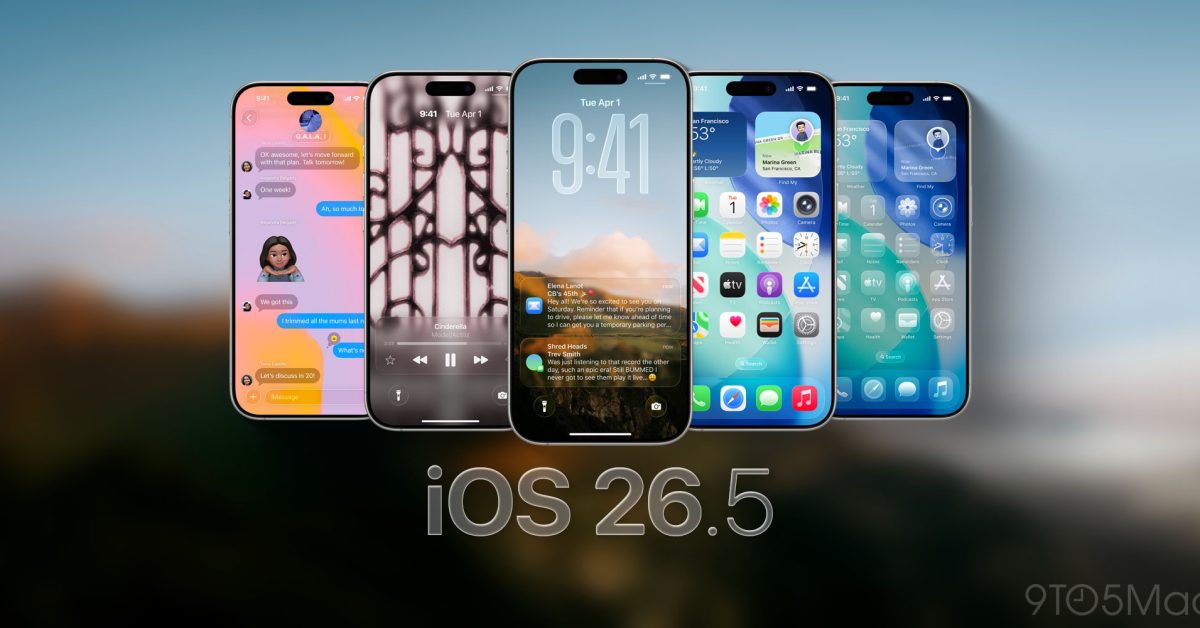
Yes, you should install iOS 26.5.2 soon, even though it is a small update with no new features. Apple and outlets tracking the release describe it as a security-focused patch, and that alone is the whole point. If your iPhone is your browser, your bank, your password manager, and your authenticator, security-only updates are not optional for long.
The one practical exception is timing. If you are about to board a flight, rely on your phone for tickets, or you have very little free storage, wait until you are on reliable Wi-Fi with a charger nearby. Install it the same day or the next day, not weeks later.
The angle for buyers and owners
Updates like iOS 26.5.2 are where Apple quietly does the boring work that keeps older phones usable and newer phones trustworthy. There is no splashy feature to sell you on. The benefit is that you reduce your exposure to the kind of issues that tend to show up through the web, the browser engine, and content parsing. That is where modern attacks often start, because everyone taps links.
This is also the update pattern you should expect going into the iOS 27 ramp. When Apple is close to a major fall release, it tends to keep the current version stable with smaller patches. You get fewer visible changes, but you get ongoing hardening. That is good news if you plan to keep your current iPhone through the next cycle instead of upgrading.
What iOS 26.5.2 will not do
Do not install iOS 26.5.2 expecting a performance miracle. Security patches can sometimes improve stability indirectly, but if you are chasing better battery life, smoother typing, or fewer app crashes, this is not advertised as that kind of release.
Also, do not confuse a security update with a problem-free update. Even small point releases can trigger a short period of re-indexing, photo analysis, or background cleanup that makes the phone feel warm or busy for a few hours. That is normal. If your battery feels worse on day one, give it a full day before you judge it.
How to install without headaches
Make this a routine you can repeat every time Apple drops a security-only patch.
First, update at night or during a long break, on Wi-Fi, while charging. Second, make sure you have a current iCloud backup, or at least that iCloud Photos and iCloud Drive have finished syncing if you rely on them. Third, after updating, open the apps you depend on most, such as your bank, your authenticator, and your main messaging app, so you can catch any odd sign-in prompts while you are not rushed.
Verdict
Install iOS 26.5.2 soon. It is the kind of update that does not change how your iPhone feels, but it changes how safe it is to keep using it the way you actually use it. Pick a convenient window, plug in, get it done, then move on.
Related reading: Best iPhone for Camera Buyers, iPhone 16 vs. iPhone 16 Pro, Should some buyers skip the iPhone 16 Pro?.