
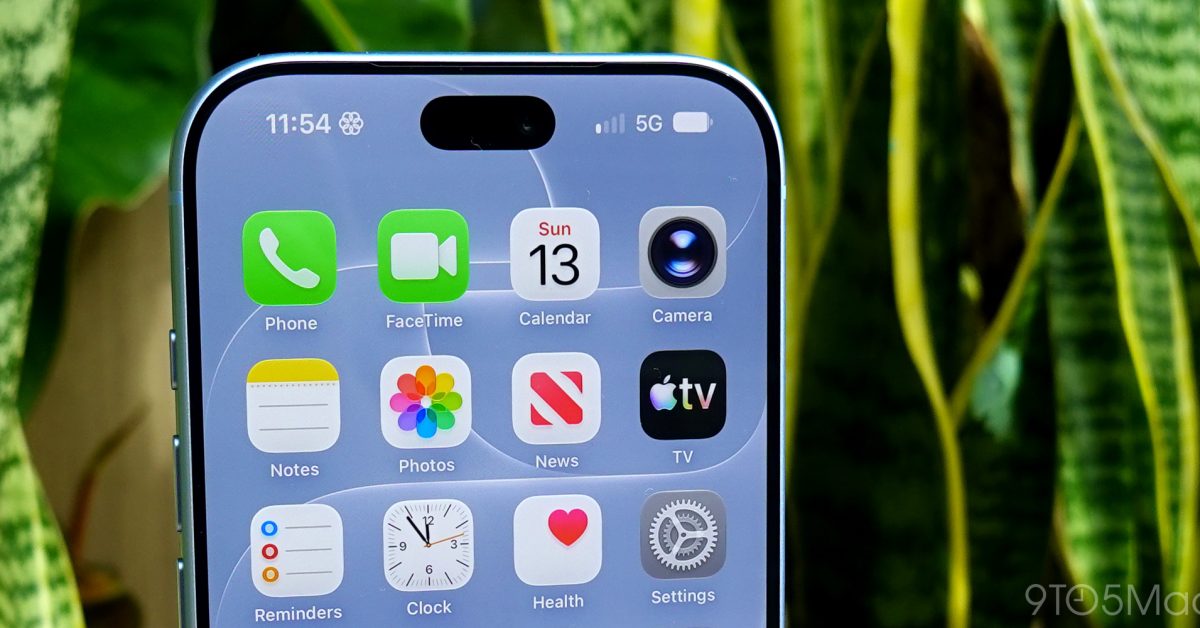
Update now. If you have an iPhone 18 Pro Max on AT&T, install iOS 27.0.1 and take the carrier settings update as soon as your phone offers it. And if your phone has already dropped into SOS or lost cellular service even once, my opinionated, falsifiable call is this, you should stop burning days on resets and insist on a hardware replacement.
Apple says this affects a small number of iPhone 18 Pro Max units on AT&T, and that software plus a carrier settings update is meant to prevent new cases, but it will not restore service on devices that already lost it. That is the key practical takeaway for owners, prevention is a software story, recovery is a replacement story, and those are two very different paths.
Should you update, even if your phone seems fine?
Yes. Apple told 9to5Mac it released iOS 27.0.1 and is issuing a carrier settings update to help prevent the issue from occurring. If you are currently unaffected, you are exactly the person those prevention steps are for.
- Do it today if your iPhone 18 Pro Max is your primary line, or if you rely on it for two factor codes, family coordination, or work travel.
- Do it before activation if you are setting up a new iPhone 18 Pro Max on AT&T this week. Our iOS advice has been consistent this cycle, treat point updates like seatbelts, you install them before something goes wrong, not after.
We gave the same “update before you troubleshoot” advice for iOS 26.4.1, and it applies again here. When Apple and a carrier are both shipping fixes around cellular reliability, the cost of waiting is that the failure mode is losing service, not a minor UI glitch.
The hidden tradeoff: the carrier update can be slow, but the symptom is brutal
Apple says the carrier settings update will download automatically over the next 14 days, and you can manually prompt it by going to Settings, General, About. That guidance is in the same 9to5Mac report, and it matters because it tells you what Apple expects, some people will not receive it instantly.
The tradeoff is obvious once you say it out loud, carrier updates are not “exciting,” so people ignore them, but the symptom here is your iPhone turning into a Wi Fi only device with an SOS badge. If you have an iPhone 18 Pro Max on AT&T, you should treat “Carrier Settings Update” as a must install item, not optional housekeeping.
If you already lost service once, stop trying to fix it in software
Apple’s line is unusually direct, devices that have already lost service will require a hardware replacement. That is not internet lore, it is the stated remedy in Apple’s statement relayed by 9to5Mac.
Here is how I would act on that as an owner:
- If you have ever seen the phone lose cellular service or stick in SOS, document it, date, time, location, and whether it returned on its own.
- Update to iOS 27.0.1 and take the carrier settings update if prompted, then do one real world test, place a call, send a text, and toggle Airplane Mode once.
- If the issue repeats, do not negotiate with it. Go to Apple or AT&T and push for the swap Apple says is required.
This is also a buying guide moment. If you are shopping right now and you are committed to AT&T, the iPhone 18 Pro Max is not automatically a bad buy, but it is a bad “set it and forget it” purchase. If you want zero carrier drama, I would rather steer you to any model not implicated in this specific AT&T replacement pipeline until this wave is clearly behind us.
Verdict: If you own an iPhone 18 Pro Max on AT&T, update immediately. If you have already lost service once, treat that as a one strike rule and pursue the hardware replacement, because Apple is explicitly telling you software will not undo the failure after it happens.
Sources: original report
Related reading: Best iPhone for Camera Buyers, iPhone 16 vs. iPhone 16 Pro, Should some buyers skip the iPhone 16 Pro?.