
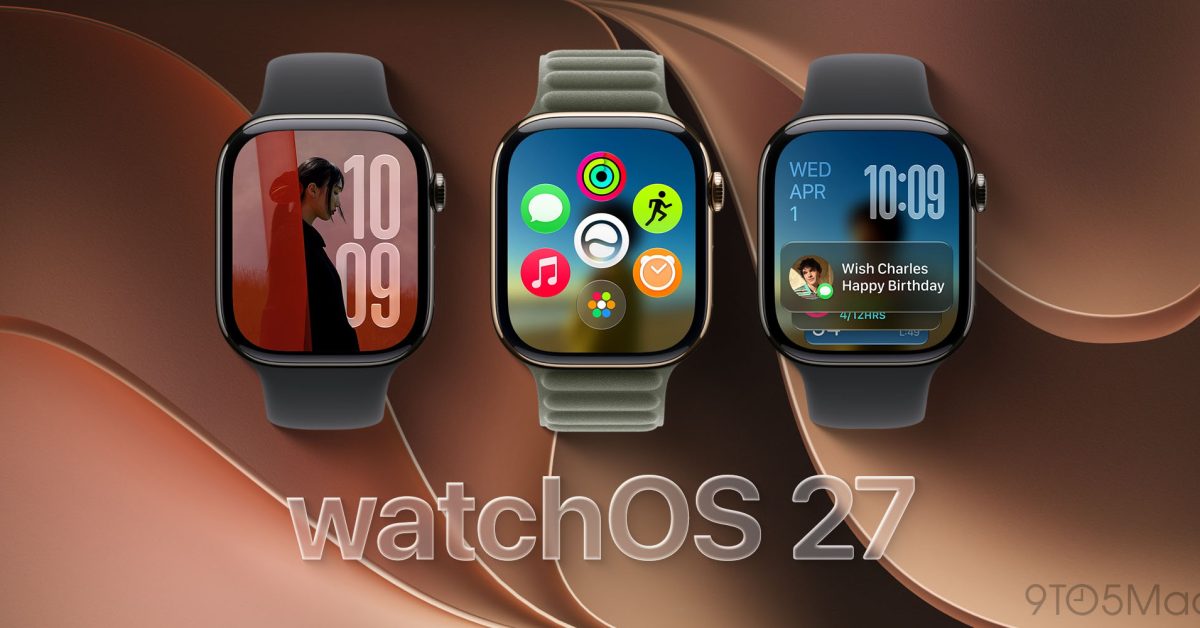
Update to watchOS 27.0.1 if your Apple Watch has restarted unexpectedly even once. Apple has now pushed watchOS 27.0.1 to all compatible watchOS 27 models, and the release notes point at a very specific fix, unexpected restarts. This is not a “wait and see” update for anyone who relies on their Watch for alarms, workouts, Apple Pay, or health tracking.
My falsifiable take: if your Apple Watch has restarted unexpectedly on watchOS 27, watchOS 27.0.1 will stop that behavior for most owners within 48 hours of installing it.
What changed, and which Watches it applies to
9to5Mac reports Apple expanded watchOS 27.0.1 beyond the initial rollout, and it is now available for all compatible Apple Watch models. The same report includes Apple’s release note describing a fix for an issue where Apple Watch may restart unexpectedly.
This matters because random restarts on a Watch are not a mild annoyance. They can silently break the stuff people actually bought the Watch for:
- Missed alarms if the Watch restarts overnight.
- Workout tracking gaps, especially on long runs or bike rides.
- Apple Pay failures at the worst possible time, like a transit gate.
- Health and sleep trends with holes you cannot “recreate” later.
Why our advice is simple, and it matches our past update stance
Church of Apple is usually cautious about major new releases, but we are not cautious about reliability fixes. The same advice we gave on recent point updates applies here: when Apple ships an update that names a concrete symptom you are experiencing, you install it.
Apple also lists watchOS 27.0.1 as the latest security release for certain newer Watch models on its security releases page, and it notes that this update has no published CVE entries. That is a subtle but important point for owners: this update is about stability, not a security scare campaign.
Who should update today, and who can wait
- Update today: anyone who has seen a restart, anyone who uses their Watch as an alarm, and anyone who depends on workout tracking.
- Reasonable to wait a few days: people who have had zero restarts on watchOS 27 and are in the middle of travel where you cannot afford a 30 minute update hiccup. If that is you, schedule it for the first night you are home.
One practical tip, if you are chasing this specific bug: after installing, keep an eye on the next two days. If you were seeing a restart every day or two, the absence of restarts over that window is the best real world confirmation that you are out of the danger zone.
Verdict: install watchOS 27.0.1 now if you have experienced unexpected restarts on watchOS 27, because a reliability bug that reboots your Watch is a trust-breaker, not a cosmetic issue.
Sources: original report
Related reading: Apple Watch Buying Advice, Do You Need Cellular on Apple Watch?, Apple Watch lineup context.