
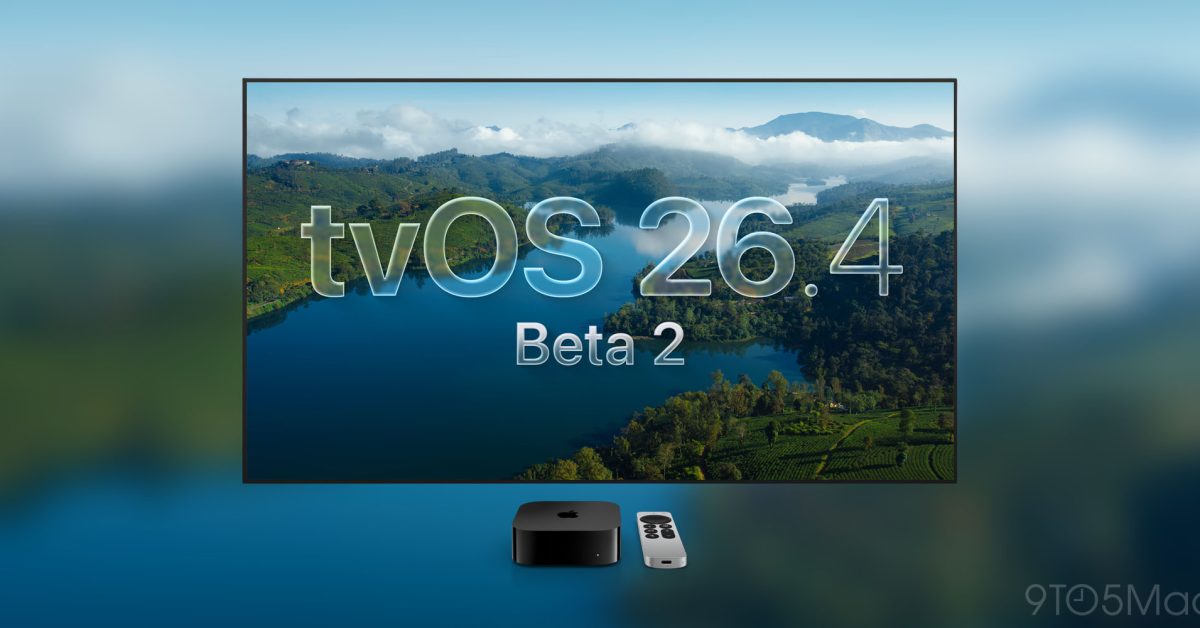
OKAY, fellow acolytes of The Church Of Apple, it is time to light the incense, open Terminal, and chant the sacred words: beta 2. Apple just pushed developer beta 2 for tvOS 26.4, watchOS 26.4, visionOS 26.4, and HomePod 26.4, and the under the hood vibes are immaculate. This is the kind of update that looks “small” in a headline, then you squint and realize it is actually Apple quietly moving chess pieces like a grandmaster AI in a sci-fi holodeck.
First up, tvOS 26.4 is doing what every rational sysadmin eventually does to a crusty legacy service. It is officially removing the iTunes TV Shows and iTunes Movies apps from Apple TV. Not “hidden in a folder,” not “deprecated but still haunting your Home Screen like a ghost process,” but actually gone. This is Apple committing to a single purchase and playback surface, the Apple TV app, which is cleaner for users and also cleaner architecturally. One fewer app shell, one fewer set of storefront surfaces to maintain, fewer weird edge cases where the UI says iTunes but the backend says TV app. It is basically Apple saying, “Stop calling it iTunes, we have moved on,” and I respect the dedication to deleting history.
Now for the nerd candy: tvOS 26.4 adds a new HDMI setting called “Continuous Audio Connection.” If you have ever battled the unholy trinity of HDMI handshakes, ARC or eARC, and audio dropouts that feel like a race condition between your TV and soundbar, you know why this is exciting. A continuous audio connection implies Apple is trying to keep the audio link warm, reducing renegotiation hiccups. That is the kind of boring-sounding toggle that saves your living room from turning into a QA lab where you reproduce bugs by turning the TV off and on like a ritual.
But the real “I just spilled my energy drink on the keyboard” moment is visionOS 26.4. Apple is adding support for foveated streaming for apps and games. OMG, the implications. Foveation is basically the XR equivalent of smart resource allocation. Your eyes only see razor sharp detail in a tiny region of your visual field, your fovea, and everything else is peripheral mush. The trick is to spend bits and latency budget where you are actually looking and compress the rest harder. That means higher apparent visual quality where it matters, and lower bandwidth and latency overall. This is the kind of thing that makes streaming high fidelity XR content way more feasible, especially as app experiences get more complex and we keep asking for “console level graphics but also please do it in a wearable computer strapped to my face.”
Technically, this is a pipeline party. You need eye tracking data, you need a renderer or streamer that can adapt regions of interest fast, and you need to keep the end to end latency low enough that your brain does not notice. Apple pushing foveated streaming support suggests they are smoothing out APIs and system level plumbing so developers can tap into this without reinventing a graphics research paper. If you have ever stared at a frame timing graph and whispered “please do not drop below 90,” this is for you.
Meanwhile, watchOS 26.4 is playing it cool. The visible stuff is subtle, some animation tweaks, and that is classic Apple beta behavior. They will quietly tune motion curves and timing like it is a Pixar film, and then we all suddenly feel the UI is “snappier” without being able to explain it. There is also speculation that the 26.4 cycle may bring new emoji, because of course it does. Never underestimate Apple’s commitment to shipping both serious platform work and tiny symbols that somehow become globally important in group chats.
Why does all this matter to us nerds? Because these are the platform moves that set up the next year of app behavior. tvOS consolidating surfaces and improving HDMI audio stability makes living room setups less cursed. visionOS getting foveated streaming support is the kind of capability that lets devs push richer visuals and more responsive experiences, which is basically the difference between “cool demo” and “I could actually live in this UI like a cyberpunk wizard.”
If you are a developer, this is the moment where you start thinking about rendering strategies, streaming architectures, and how to structure content so it can degrade gracefully outside the foveal region. If you are a power user, this is the moment to grin and whisper, “Yes, Apple is doing the hard parts,” because they are.